Room 4: The Front Desk
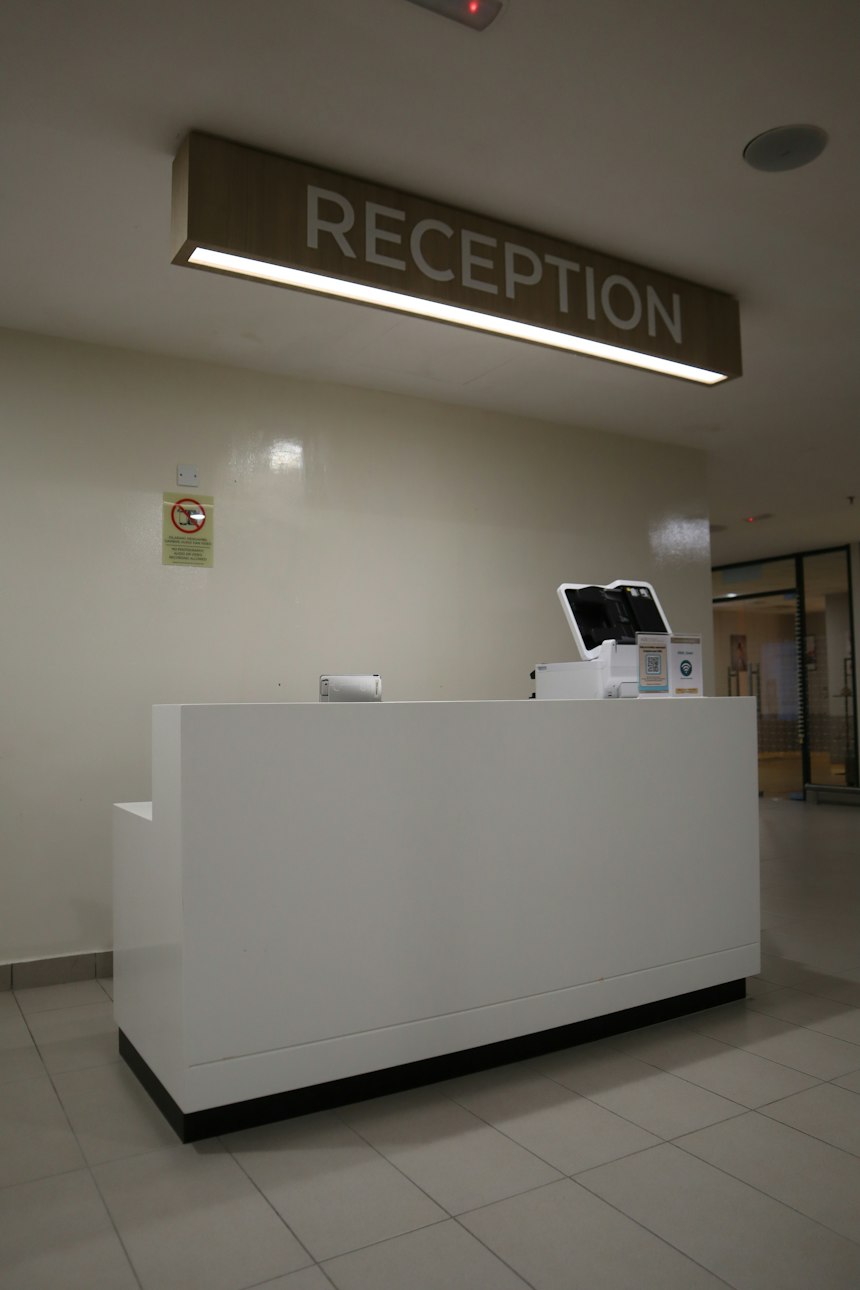
Where You Are
You take a deep breath. You are officially done seeing the doctor, and your friends are waiting. Just as you turn for the exit, the receptionist calls you back: "Hold on, we need to book your next appointment before you go." The lobby behind you is packed, the phone at the desk will not stop ringing, and your own phone keeps buzzing with texts asking where you are.
The receptionist tells you straight: there is exactly one opening left on the whole calendar, and once someone else grabs it, it is gone for months. Mom is ready to book it right now, but the clinic just switched to a brand new scheduling system and she has never touched it before, so she needs you to drive. This new system splits everything across two tables, one for the date and one for the times, so you will need to move between them to lock in the slot. Press the button below when you are ready. The moment you do, the clock starts and Mom will tell you the date to look for.
Book the Next Appointment
Practice linking two related tables together, in the exact order this new system requires: first find your assigned date in the calendar table below. Then move to the second table to see that date's available times. Activate the open time slot to reveal your confirmation code, then enter that code in the form to finalize the appointment.
Sound effects play during the room including timer warnings, booking feedback, and the finish. Turn them off here before starting if you prefer silence.
Explore the calendar below first if you like. When you are ready, press the button to hear which date to look for and start the five minute clock.
5:00Your Assigned Date
| Sunday | Monday | Tuesday | Wednesday | Thursday | Friday | Saturday |
|---|---|---|---|---|---|---|
| 5Closed | ||||||
| 6Closed | 12Closed | |||||
| 13Closed | 19Closed | |||||
| 20Closed | 26Closed | |||||
| 27Closed |
Available Appointment Times
Select a date button from the calendar above to view its time slots.
| Time | Period | Availability | Book |
|---|---|---|---|
| No date selected yet. | |||
Appointment held. Here is your confirmation code:
Copy this code, or type it, into the confirmation box below.